
Don’t put your X-series camera into hibernation for the winter, get outside and make the most of the conditions
We may be in the colder and darker months of the year, but there are still photo opportunities. The good news is Fujifilm X-series cameras are ideally equipped to make the most of the season with a range of features that will help you to get the best possible shots in all wintry conditions. As the temperature drops, there are a few extra considerations for your camera gear.
Power
Battery performance can be severely affected by low temperatures, so it’s worth buying an additional cell if you’re going to be out regularly in freezing conditions. Make sure all batteries are fully charged before you leave home and if they do die while you’re out, putting them somewhere warm – next to your body, ideally – can often grab a few extra frames.
Misting up
Going from a warm house or car into cold air will inevitably cause your X-series camera to mist up with condensation so, if possible, you should avoid subjecting your kit to large temperature changes. If it’s safe to do so, put your kit (without batteries) into your car a couple of hours before you go out so it can acclimatise. Similarly, putting your kit in a colder part of the house will help reduce condensation build-up – just don’t forget the batteries before you leave. The same applies when you come back in after a cold shoot. Reverse the process, placing them in a colder part of the house first, then gradually warming them up to room temperature. Sealing kit in a plastic bag with a silica gel pack can help. While you’re out, keep lens changes to a bare minimum or, better still, avoid them altogether. Should you get condensation, avoid the temptation to wipe it away and wait until it clears naturally. Unless you own a weather-proof X-T1, using a camera cover and keeping a chamois leather close to hand is a good way of keeping your kit dry.
And don’t forget to apply all these rules to yourself, too. Layer your clothing to stay warm and dry and be sure to take warm drinks and food to keep your batteries charged!
After some cold snaps? Try these…
Frosty close-ups

This is the perfect subject matter for the XF60mm Macro lens on interchangeable lens X-series cameras or the Macro/Super Macro mode on a fixed lens model. Suitable objects abound so keep an eye out for interesting patterns and subjects that can add a welcome splash of colour.
Snow scenes

For simplicity, select the Snow program setting. For more control, dial in some + exposure compensation – try +2 in sunny conditions – to avoid the snow rendering as grey sludge. Early morning starts are best and use the Velvia Film Simulation mode for vibrant blue skies.
Starry nights

Grab your tripod and head out on a clear night. Consider using the open flash technique to illuminate foreground subjects. Avoid including the moon in the shot and use an exposure of at least 30 seconds to render some stars.
Mist and fog

Look for distinct shapes and try using either the Soft Focus filter setting or increasing the ISO to introduce some grain. Shooting in black & white can be effective, as can fitting a telezoom such as the XF55-200mm to pick out more distant details. Check out this blog for more tips for shooting fog.
Winter portraits

A great option, regardless of the weather. Hats, scarves, big coats and umbrellas all make great props. The XF56mm is the ideal portrait lens and be sure to make the most of that super wide aperture to throw backgrounds out of focus and deliver beautiful bokeh.


 If you look at the above photo you can see that I have a filter inserted into the filter holder. I decided to use a gradual neutral density filter as this allowed me to darken the sky while having less/little effect on the ground.


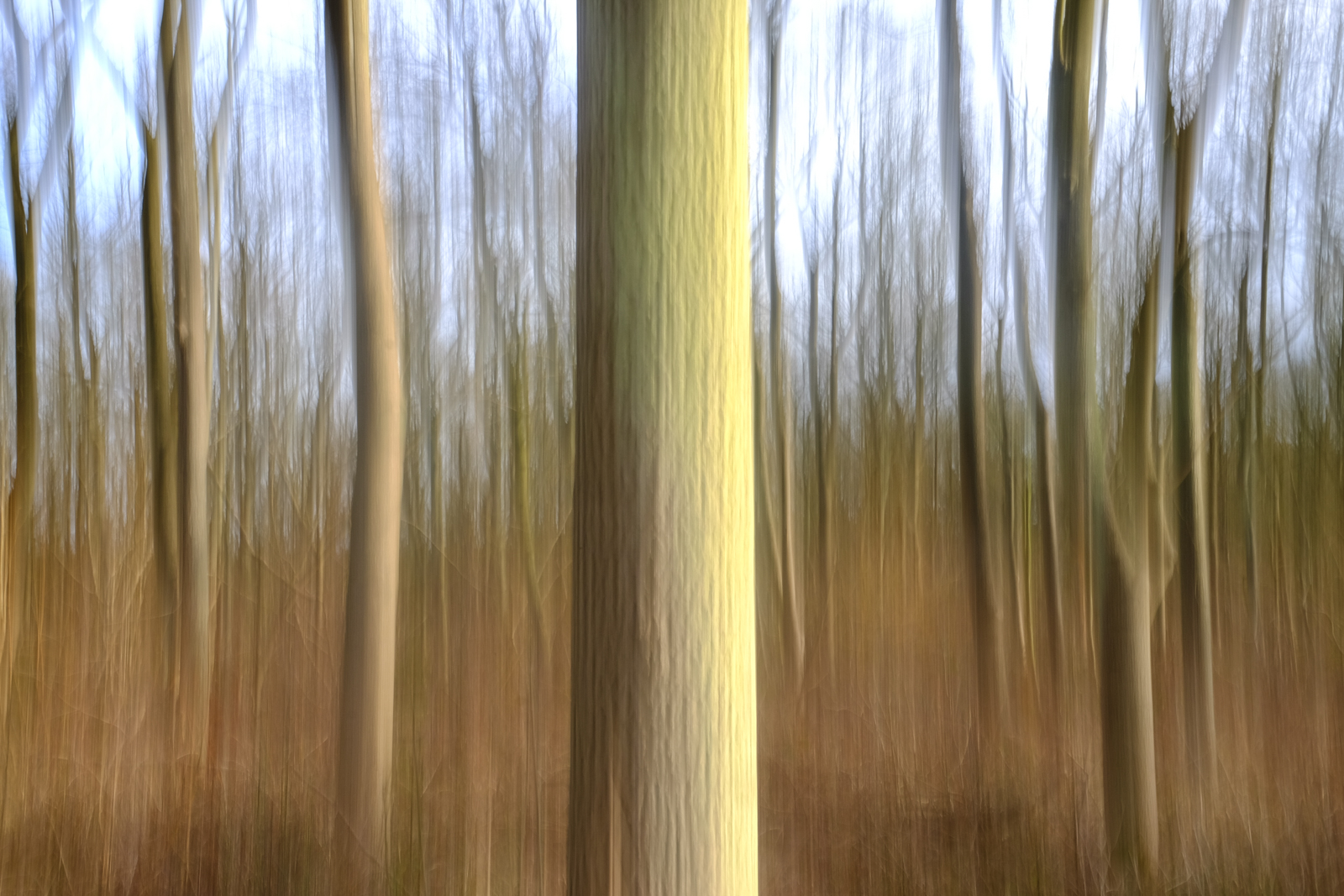


 As the day progresses and the sun gets higher (if you can see it!) the quality of light drops off somewhat, making wide landscape shots less dramatic. Two fun things to do if you’re out and about is: 1. Slow down – slowing down your shutter speed when doing big landscape shots can make an image really dynamic, even if the light isn’t bright and dramatic. One of the ways to exaggerate the length of your shutter speed is to use a neutral density filter to reduce the amount of light hitting the sensor and so extending your shutter speed.
  This shot was 125 seconds long. There is no detail left in the mist as it has moved so much in that 125 seconds, making the fog look a bit like a white ribbon. 2. Focus on detail – winter is a great time for capturing the details of nature. From the hard frost on the ground to the last leaves hanging on a tree, detail shots in conjunction with some other, wider shots can really help capture the essence of winter as part of a photoessay.


 All taken with the X100s + TCL-X100 (in love with this combo). For this walk I limited myself to only this combo so I focused on composing images for that focal length. This is a good way to try and improve creativity and compositional skills. As the day draws to a close then you can begin to take advantage of the “magic hour”. If I have a free afternoon then what I like to do is go on a walk and end up in a nice location for sunset. This is what I recently did in the Peak District, walking a circuit from Hathersage up to Stanage Edge and Higgar Torr before heading back down to Hathersage. This was wonderful, about 6 miles and a great way to spend an afternoon.


 As I went along I was watching how the light changed as the sun came lower and how this affected the dramatic scenes in front of me. It was very interesting to see how the landscape evolved with the setting sun. Now we have been lucky enough to have had some snow recently, this is wonderful for pictures. Snow can take a landscape that you might see everyday and turn it into something magical. However, snow can be a little difficult to meter. This is where using the EVFs on X-Series cameras can be really beneficial, as you can see exactly how your camera has metered and adjust the exposure compensation accordingly.


 Finally if you’re brave enough (I haven’t been so far) then you can get out on a cold winters night and try some star photography, especially since so much of the day is now dark. Remember that the most important things are to stay warm, be sensible, check roads and the forecast.
  Roads can be very dangerous so look after yourself especially if you’re going out in the early hours. I hope this has been interesting and given you a few ideas on how to photograph the great outdoors during the winter months. Why not share with us your results via Fujifilm UK’s